
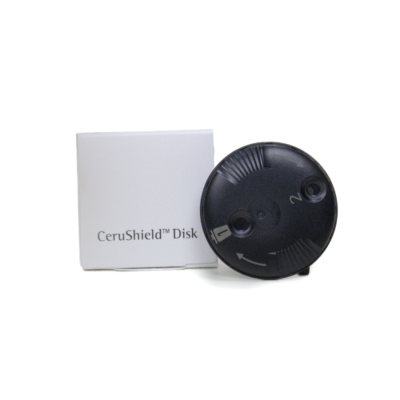
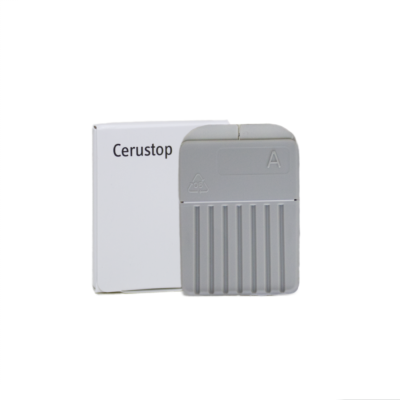
Waxguards for Unitron Moxi Jump R T RIC
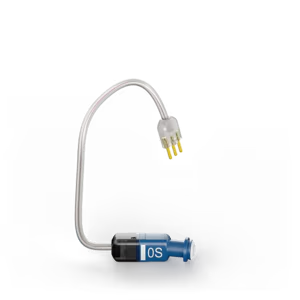
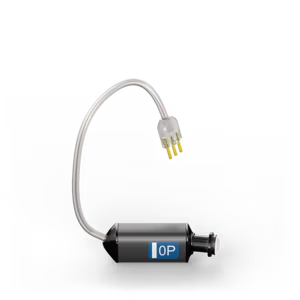
Receivers for Unitron Moxi Jump R T RIC
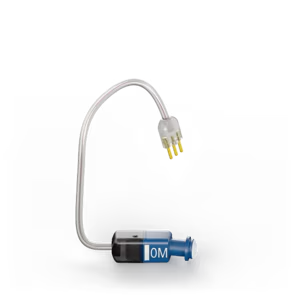
Ear Grips for Unitron Moxi Jump R T RIC
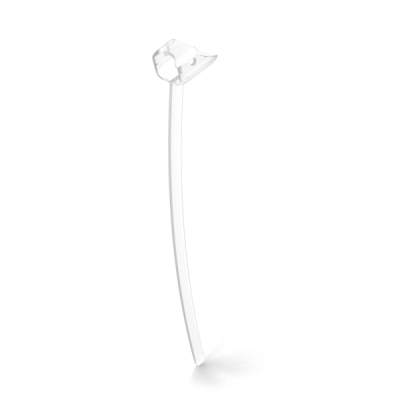
Wireless Accessories for Unitron Moxi Jump R T RIC
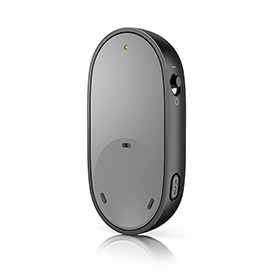
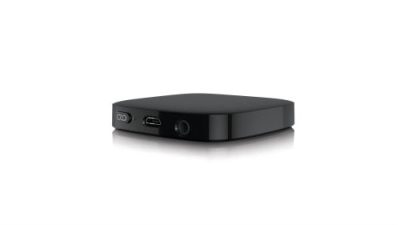
Chargers for Unitron Moxi Jump R T RIC
Maintenance for Unitron Moxi Jump R T RIC
Unitron Moxi Jump R T RIC
Unitron Moxi Jump R T RIC Receivers – Compatibility & Buying Guide | Japebo
If you’re looking for the right Unitron Moxi Jump R T RIC receiver, the key is making sure you match the exact receiver system used by your hearing aids, as well as the correct power level and wire length. This guide explains how Unitron receiver compatibility works for the Moxi Jump R T family, what to check before you buy, and how to avoid the most common fitting mistakes.
What is a receiver on a Unitron Moxi Jump R T RIC?
On a RIC (Receiver-In-Canal) hearing aid like the Unitron Moxi Jump R T, the receiver is the small speaker unit that sits at the end of the thin wire and delivers sound into your ear canal. Receivers are wearable parts and may need replacement over time due to moisture, earwax, cable wear, or intermittent connection.
Unitron Moxi Jump R T receiver compatibility
Receiver compatibility is model- and platform-specific. Even if two receivers look similar, they may not fit your hearing aid body or may not be recognized/perform correctly. For the Unitron Moxi Jump R T RIC, you should only choose a receiver that is explicitly listed as compatible with this model/family.
If you’re unsure what you currently have, the safest approach is to:
Check your original fitting paperwork (receiver type, power, and length are often listed).
Look for markings on the receiver wire or housing (power/side/length codes vary by version).
Compare the product listing’s compatibility notes with “Unitron Moxi Jump R T” specifically.
How to choose the correct receiver (power & length)
1) Choose the right power level
Receivers are available in different power outputs (commonly standard and higher-power variants). You generally need the same power level you were fitted with, because it affects loudness headroom, sound quality, and feedback control. If you move to a different power class, your hearing aids may need adjustment by a hearing care professional.
2) Choose the right wire length
Wire length affects comfort and retention. Too short can pull and cause soreness or the dome to sit incorrectly; too long can cause the wire to stick out or the receiver to shift in the canal. If you’re replacing an existing receiver, match the same length as your current one.
3) Left vs right
Receivers are side-specific. Make sure you select left (L) or right (R) correctly to ensure proper fit and routing around the ear.
Common problems and quick troubleshooting
No sound or intermittent sound
Often caused by a failing receiver, moisture, or a damaged cable. First, check for a clogged wax filter (if your setup uses one) and try a new dome. If the issue follows the receiver when swapped to the other side (only if you have compatible spares), the receiver is usually the cause.
Whistling (feedback)
Feedback is commonly caused by a poor seal (wrong dome size/type), the receiver sitting too shallow, or a damaged receiver. Ensuring the correct dome and a secure fit often fixes it; persistent feedback may require a refit or programming adjustment.
Sound is weak or muffled
Check for earwax buildup, a blocked dome, or a clogged wax filter. If those are clear, a worn receiver can also reduce clarity and volume.
When should you replace your Unitron Moxi Jump R T receiver?
Consider replacement if you notice repeated dropouts, crackling, reduced volume on one side, or sound distortion that doesn’t improve after changing domes/wax filters and cleaning. Receivers are consumable components, and replacing them is a common maintenance step for RIC hearing aids.
Buy Unitron Moxi Jump R T receivers at Japebo
Japebo makes it easy to choose the correct receiver for your Unitron Moxi Jump R T RIC. When selecting a receiver, confirm:
Compatibility with Unitron Moxi Jump R T
Power level matches your current setup
Length matches your current receiver wire
Side (left/right)
If you’re in doubt between two options, choose the one that matches your current receiver markings or documentation to avoid unnecessary returns and ensure the best sound and comfort.
FAQ: Unitron Moxi Jump R T receiver replacement
Are Unitron Moxi receivers interchangeable between different models?
Not always. Receiver systems can differ across Unitron families and generations. Only buy a receiver that explicitly lists Unitron Moxi Jump R T compatibility.
Do I need a hearing professional to change the receiver?
Many users can replace a receiver if it’s designed to be user-replaceable, but if you’re unsure about the connection type or you’re changing power level, it’s best to consult a professional to ensure correct fit and settings.
Will a new receiver fix muffled sound?
Sometimes, but first rule out simpler causes like a blocked wax filter, clogged dome, or earwax. If those are fine and the problem persists, receiver wear or moisture damage is a common cause.
What else should I replace at the same time?
It’s often smart to replace domes and wax filters (if used in your setup) when fitting a new receiver, to ensure a clean acoustic path and stable fit.