
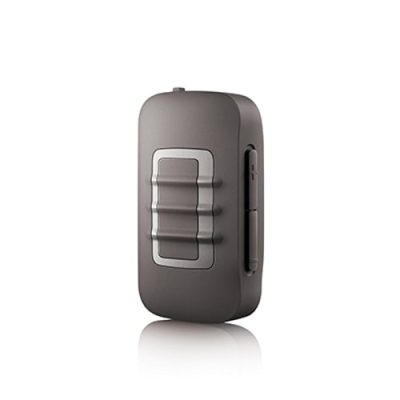
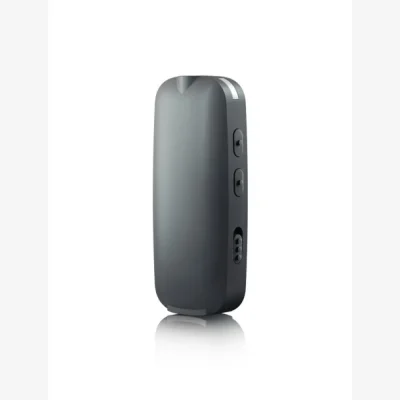
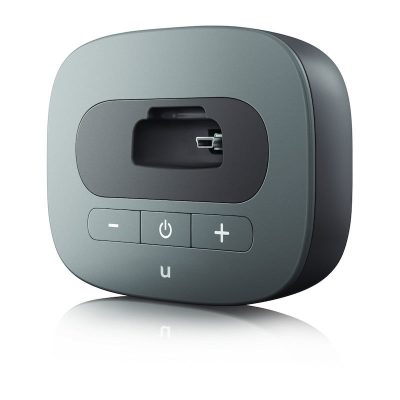
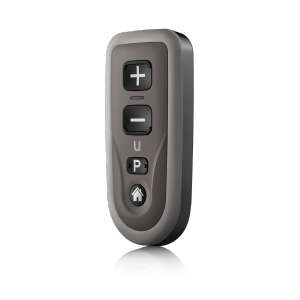
Wireless Accessories for Unitron Insera - Canal/Half shell
Maintenance for Unitron Insera - Canal/Half shell
Unitron Insera - Canal/Half shell
Unitron Insera Canal & Half Shell hearing aid accessories | Compatibility guide
If you’re looking for the right accessories for Unitron Insera Canal/Half Shell hearing aids, this page is made to remove the guesswork. Insera custom models can vary by generation and configuration, so the safest way to buy is to first confirm exact model name and then match the correct accessory type (most often wax protection and cleaning items, and in some cases specific batteries or retention parts). Below you’ll find a practical compatibility guide so you can choose confidently.
What “Unitron Insera Canal/Half Shell” means for accessories
Unitron Insera is a family of custom in-the-ear hearing aids. “Canal” and “Half Shell” describe the shell style and how much of the ear the device fills. Because these are custom shells, many universal parts (like domes and standard receivers) are typically not used the same way as with behind-the-ear RIC models. Instead, the most important consumables are usually:
Wax protection (wax guards/filters) to keep the sound outlet clear
Cleaning tools to remove debris safely
Batteries (for non-rechargeable versions)
Care products (drying capsules/boxes) to reduce moisture-related issues
How to check compatibility before you buy
To ensure you’re on the right product, check one (or more) of the following:
Your hearing aid paperwork (model/family name and any accessory notes)
The label/marking on the hearing aid case (sometimes includes a type reference)
Your clinician’s fitting sheet (often lists wax protection system)
If you’re replacing wax protection, the key is matching the exact wax filter system used in your Insera Canal/Half Shell unit. Different Insera generations and configurations may use different systems, and they are not always interchangeable.
Which accessories are most commonly used with Unitron Insera Canal/Half Shell
Wax guards / wax filters
Wax filters are the #1 “must-have” accessory for most Canal and Half Shell in-ear styles. They sit in or near the sound outlet and help prevent earwax from blocking the microphone-to-ear pathway.
Choose wax filters by system type—not only by brand name. If you’re unsure, compare the filter you currently use (shape, color, dispenser style) or match the part number from your previous packaging.
Cleaning tools
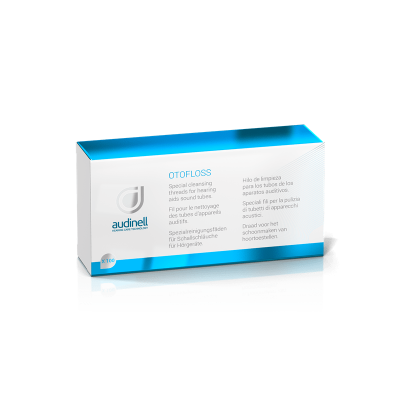
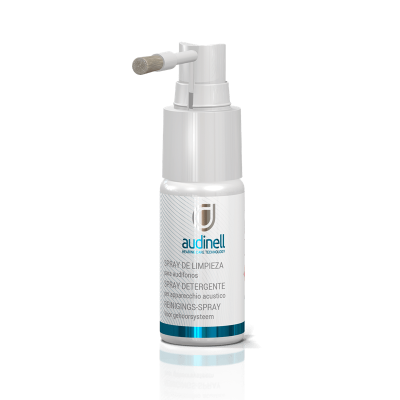
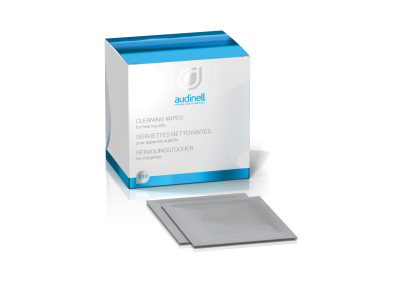
For custom Insera models, gentle daily care helps prevent reduced sound and repairs. Typical tools include a small brush, a wax loop, and cleaning wipes suitable for hearing aids. Avoid pushing debris into the sound outlet—if the sound is weak, replace the wax guard first.
Batteries (if your Insera is not rechargeable)
Many Insera Canal/Half Shell devices use disposable zinc-air batteries. The correct size depends on the exact Insera variant. If you still have an old battery card/package, match the number and color code. If you don’t, check your user guide or ask your provider before ordering.
Moisture protection & storage
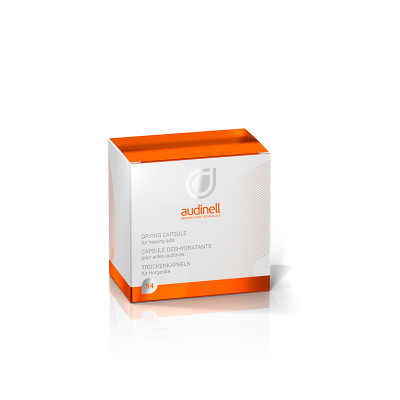
In-the-ear models are exposed to heat and humidity throughout the day. Drying solutions can reduce intermittent issues and extend the life of the device. This is especially helpful if you notice morning condensation, frequent clogging, or sound dropouts.
How to choose the right replacement part (simple checklist)
Identify your exact Unitron Insera model (Canal vs Half Shell, and any generation/family information).
Start with the problem you’re solving: weak sound (wax guard), discomfort (fit/retention—often clinic adjustment), moisture (drying), short runtime (battery).
Match the existing accessory if you’re replacing a consumable (same wax filter system, same battery size).
When in doubt, don’t “guess up”. For custom shells, the wrong wax protection system may not fit and can’t be forced safely.
Common problems with Insera Canal/Half Shell—and what to do
Sound is weak or muffled
Most commonly: blocked wax filter or debris in the sound outlet. Replace the wax guard first, then clean the exterior. If the issue persists, your clinician may need to inspect the sound channel.
Intermittent sound or crackling
This can indicate moisture, debris, or a battery contact issue (on disposable models). Try drying overnight and installing a fresh battery. If it continues, the device may need professional servicing.
Whistling (feedback)
Feedback can happen if the device is not seated correctly, if there’s wax buildup, or if the fit has changed. Replacing the wax guard and cleaning the shell may help. Persistent feedback often needs a fitting adjustment.
Where to buy Unitron Insera Canal/Half Shell accessories
When you buy online, prioritize correct compatibility over “close enough.” Choose accessories that explicitly match your Unitron Insera Canal/Half Shell needs—especially wax filters and care items. If you have the packaging from your previous wax guards or batteries, use it to match the exact version before ordering.
FAQ: Unitron Insera Canal/Half Shell accessories
Do Unitron Insera Canal/Half Shell hearing aids use domes?
Usually no. Canal and Half Shell Insera models are custom in-the-ear shells, so they typically use a built-in sound outlet with wax protection rather than replaceable silicone domes used on RIC/BTE models.
Are all Unitron wax filters the same?
No. Wax filters can differ by system type and dispenser design. You must match the wax filter system used by your specific Insera unit.
How often should I replace the wax guard?
It depends on earwax and daily wear time, but many users replace wax guards when sound becomes weak/muffled or on a regular preventive schedule. If you’re changing them very frequently, consider adding drying and reviewing cleaning habits.
What if I can’t identify my wax filter type?
Use your previous packaging if available, or compare the existing filter and dispenser to product photos/specs. If you still can’t confirm, contact your hearing care professional to avoid ordering the wrong system.