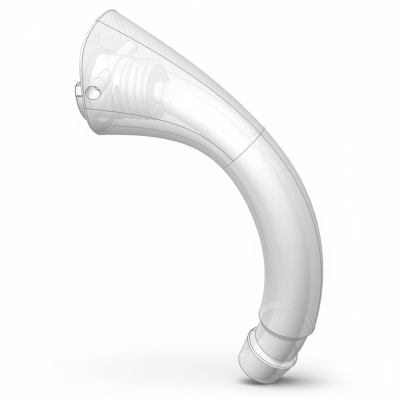
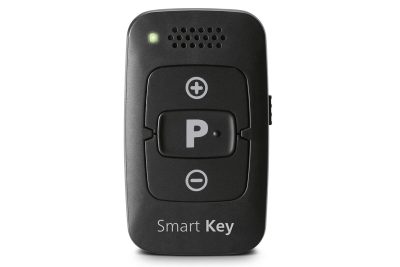
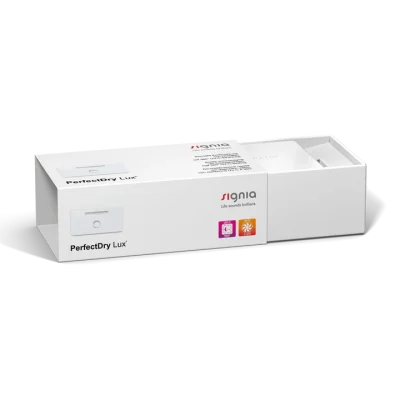
Rexton ReCharge R-LI HP

NELL1 ODN-59

Odinell Ear Spray

11.90 £

Rexton ReCharge R-Li HP Accessories & Compatibility Guide

If you use the Rexton ReCharge R-Li HP, choosing the right Rexton-approved accessories matters for comfort, sound quality, and dependable charging. This guide helps you confirm you’re on the right page, understand what is (and isn’t) compatible with the Rexton ReCharge R-Li HP, and choose the correct parts—especially when replacing wear items like domes and wax protection.

Tip: The safest way to match accessories is to identify the exact part type currently on your hearing aid (dome style/size, receiver type, and wax protection system). If you’re unsure, compare your current parts to the product photos/specs or contact support with a picture of your hearing aid tip and receiver.

Which accessories are typically used with Rexton ReCharge R-Li HP?
The Rexton ReCharge R-Li HP is a rechargeable RIC-style hearing aid (receiver-in-canal). Most users will encounter these accessory categories:

Chargers & charging accessories (charging cradle and power supply components)
Domes (the soft silicone tips that sit in the ear canal)
Receivers (the speaker wire unit that delivers sound into the ear)
Wax filters / wax protection (prevents earwax entering the receiver)
Retention locks (helps keep the receiver/dome stable in the ear)

Compatibility basics for the Rexton ReCharge R-Li HP
Accessory compatibility for the Rexton ReCharge R-Li HP is determined by the connection system used on your device. In practice, that usually means:

Receiver platform: Receivers must match the Rexton receiver family used by your model (including the connector type).
Dome coupling: Domes must fit the receiver’s tip (the part the dome attaches to). Even if a dome looks similar, the snap/fit system can differ.
Wax protection system: Wax filters are not universal; they must match the exact wax-guard type used by your receiver.
Charging system: Rechargeable devices require model-specific chargers; do not assume a Rexton charger from another family will fit or charge correctly.

If you’re replacing parts, choose the same type you already have unless a hearing care professional has recommended a change (for example moving from an open dome to a more closed dome for better bass or less feedback).

How to choose the correct domes for Rexton ReCharge R-Li HP
Domes affect both comfort and sound. The “right” dome is the one that seals appropriately for your hearing loss while staying comfortable and stable.

Common dome styles and what they do

Open domes: More ventilation and a natural feel; often used for mild-to-moderate losses and to reduce “plugged ear” sensation.
Closed domes: Slightly more seal for fuller sound and better control of feedback.
Power domes: Stronger seal for more amplification needs and improved bass; may feel more occluding.

Picking the right dome size
Dome size is typically chosen by fit and retention. If the dome feels loose, whistles (feedback), or slips out, try a size up. If it feels sore or creates pressure, try a size down or a more open style. If you are between sizes, stability usually improves with the larger option—comfort permitting.

Wax filters and wax protection: what to replace and when
Wax protection is one of the most common reasons for reduced sound. If your Rexton ReCharge R-Li HP suddenly sounds quieter or muffled, a blocked wax filter is often the cause.

Signs you need to change the wax filter

Sound becomes weak, dull, or intermittent
You need to raise the volume more than usual
There is visible wax/debris at the receiver opening

Good replacement routine
Many users replace wax filters every 2–8 weeks depending on earwax and usage. If you live in a humid climate or use the aids for many hours daily, you may need more frequent changes.

Important: Only use the wax filter type that matches your receiver. If the wrong type is used, it may not seal correctly or could damage the receiver tip.

Receivers for Rexton ReCharge R-Li HP: when you need a new one
The receiver is the speaker component and is a wear part over time. You may need a receiver replacement if cleaning and wax filter changes don’t restore sound.

Common receiver-related symptoms

No sound in one ear, despite a full charge
Crackling or intermittent sound
Sound returns briefly after movement, then cuts out

Receivers come in different power levels and lengths. To match correctly, check the marking on your current receiver (often indicates length and power level) and replace like-for-like unless your hearing care professional has changed your fitting.

Chargers for Rexton ReCharge R-Li HP: charging the safe way
Because the Rexton ReCharge R-Li HP is rechargeable, the charger is a critical accessory. For best reliability:

Use the charger designed for your Rexton ReCharge platform (fit and contact alignment must be correct).
Keep charging contacts clean and dry.
If charging becomes inconsistent, check the charger ports, power supply, and whether the hearing aids sit fully in the cradle.

If you’re unsure which charger version you need, match the exact model name/number from your current charger or compare the docking shape and contact points.

Common problems—and what usually fixes them
Whistling (feedback)
Often improved by: using a better-sealing dome (closed/power), increasing dome size, or ensuring the receiver sits correctly. Also check for earwax blockage.

Muffled or weak sound
Start with: replacing the wax filter and checking for moisture/debris. If the issue remains, the receiver may need replacement.

Dome slips out or feels unstable
Try: a larger dome size, adding/replacing a retention lock, or switching dome style.

Buy Rexton ReCharge R-Li HP accessories online
When ordering accessories for the Rexton ReCharge R-Li HP, prioritize exact compatibility—especially for wax filters, receivers, and chargers. If you can identify the part type you currently use, you can typically reorder the same item and get a reliable fit and performance.

FAQ: Rexton ReCharge R-Li HP accessories
Are Rexton domes universal across all Rexton hearing aids?
No. Dome compatibility depends on the receiver/coupling system. Always match the dome to the receiver type used with your Rexton ReCharge R-Li HP.

How do I know which wax filter I need?
The correct wax filter is the one designed for your specific receiver’s wax protection system. Match the exact wax-guard style you currently use (shape/size and insertion tool type), or share a close-up photo of the receiver tip for help identifying it.

My hearing aid is charged but one side has no sound—what should I do first?
Replace the wax filter and inspect the receiver opening for blockage. If there is still no sound, the receiver may be faulty and need replacement.

Can I use a different Rexton charger if it “fits”?
Not recommended. Chargers can look similar but use different contact alignment and charging protocols. Use the charger specified for the Rexton ReCharge R-Li HP platform.

How often should I replace domes?
Many users replace domes every 1–3 months, or sooner if they discolor, harden, tear, or no longer feel secure/comfortable.
XXXX