

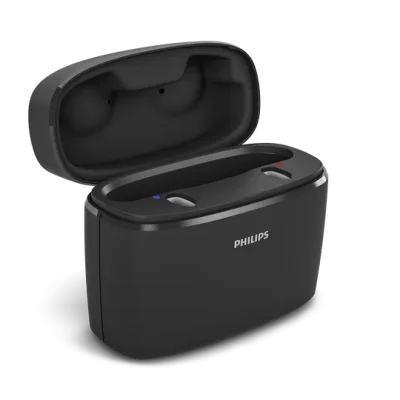
Philips HearLink 40 miniRITE T R accessories & compatibility guide | Japebo
If you’re looking for Philips HearLink 40 miniRITE T R accessories, the key is choosing parts that match the miniRITE receiver-in-canal style and your exact fitting (receiver type/length, dome size, and wax filter system). This guide explains what typically fits the Philips HearLink 40 miniRITE T R, how to identify what you need, and how to avoid the most common compatibility mistakes before you buy.
What “miniRITE T R” means for accessory compatibility
The Philips HearLink 40 miniRITE T R is a receiver-in-the-ear (RIE/miniRITE) hearing aid. That means:
Domes (ear tips) attach to the end of the receiver and sit in the ear canal.
Wax filters (wax guards) protect the receiver opening from earwax and moisture.
Receivers are replaceable cables/speakers that connect to the hearing aid and deliver sound into the ear.
Most “fit issues” come from mixing the wrong dome family, using the wrong wax filter type, or ordering a receiver with the wrong power level or length.
Which accessories you’ll typically replace most often
Domes (ear tips)
Domes affect comfort, sound, and feedback (whistling). If your current dome feels loose, causes pressure, or you notice more feedback, the dome size or type may be wrong or worn out.
Common dome styles you may encounter for miniRITE fittings include:
Open domes – more natural/airy sound and comfort, often used for mild-to-moderate losses.
Closed domes – more seal and bass than open, can reduce feedback in some fittings.
Power domes – most seal, often used when more amplification is needed.
How to choose: match the same style and size as the domes you are wearing now, unless your hearing care professional has changed your fitting. If you’re unsure, compare the dome shape and diameter, or check your original packaging.
Wax filters (wax guards)
Wax filters prevent earwax from blocking the receiver outlet. A clogged wax filter can cause:
weak or muffled sound
intermittent sound
no sound even though the hearing aid powers on
How to choose: wax filters are not universal. The correct type depends on the receiver system used with your Philips HearLink 40 miniRITE T R. The safest approach is to match the exact wax filter model you currently use (same color, shape, and tool style), or check the receiver/consumables reference from your provider.
Receivers (speaker units)
Receivers are selected by power (how much output), length (how far it reaches into the ear), and side (left/right). Ordering the wrong receiver is one of the most common (and expensive) mistakes.
How to choose the correct receiver:
Check the side: receivers are labeled for left or right.
Check the length: usually a number (e.g., 0–4) on the receiver or the packaging.
Check the power level: typically indicated by letters (e.g., S/M/P) or a model code.
If you can’t find the markings, use your previous order information or ask your hearing clinic for the exact