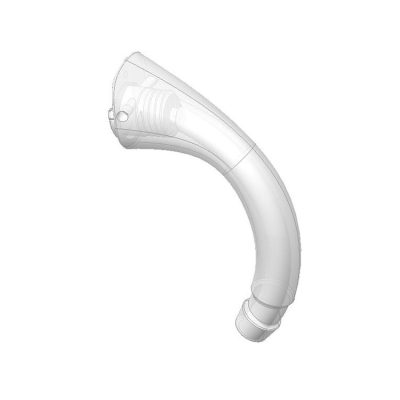
Rexton BiCore R-Li M Rugged accessories & compatibility guide | Japebo
If you use the Rexton BiCore R-Li M Rugged, you’re in the right place. This guide helps you choose the correct Rexton BiCore R-Li M Rugged accessories—such as domes, wax filters, receivers and charging solutions—so you can replace worn parts, fix common issues (like feedback or blocked sound), and order the right fit the first time.
What this page covers (and why compatibility matters)
Hearing aid accessories are not “one-size-fits-all”. Even within the same brand, different families and receiver styles can use different fittings. The safest way to avoid the wrong purchase is to match accessories to your exact model name and—when relevant—your receiver type (the speaker wire that connects to the hearing aid, on receiver-in-canal styles).
Which accessory types are typically used with the Rexton BiCore R-Li M Rugged
Most users will need a few key replacement parts over time. These are the accessory categories that most commonly apply to the Rexton BiCore R-Li M Rugged:
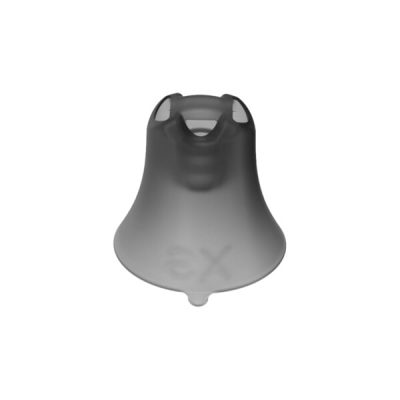
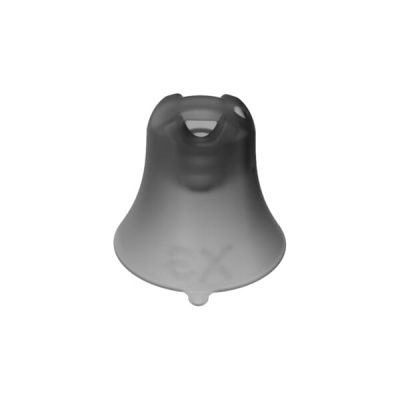
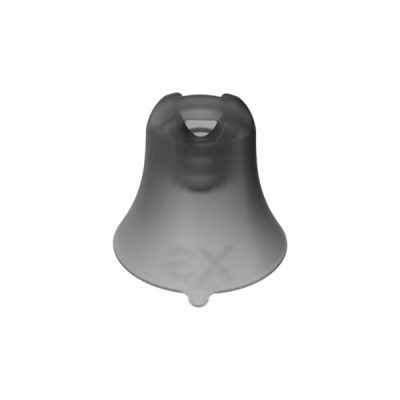
Domes (ear tips) – affect comfort, retention and sound (open vs closed, bass response, feedback control).
Wax filters / wax guards – protect the receiver opening from earwax and moisture; often the #1 cause of “no sound” when blocked.
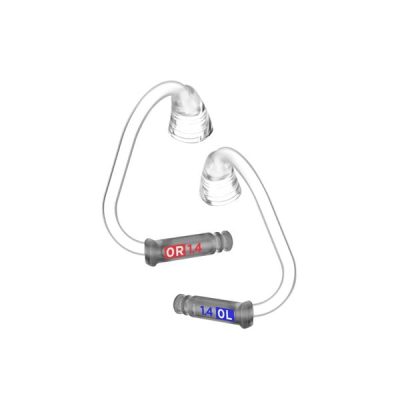
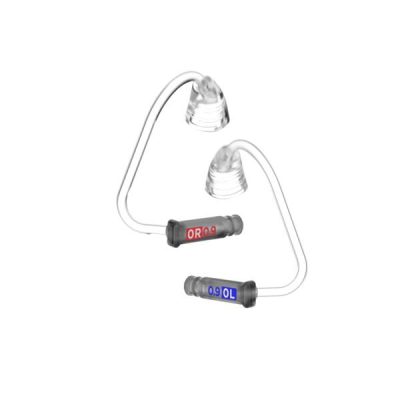
Receivers (speakers) – the sound output part; replaced if sound is weak, distorted, intermittent or dead even after changing wax filters.
Charging accessories – charging case/cradle and power accessories for the rechargeable R-Li model.
Cleaning & care – drying and cleaning products to reduce moisture-related issues and extend accessory life.
How to choose the correct domes
Domes influence both fit and sound. If you’re unsure, start by matching what you already wear:
Size: usually measured in millimetres; the correct size sits securely without pressure.
Type:
Open domes – more ventilation, a more natural own-voice for many users, often used with milder losses.
Closed / bass domes – more low-frequency support and can help reduce feedback.
Power domes – tighter seal, often used for more amplification or feedback control.
If you notice whistling/feedback, a loose fit, or thin sound, the dome type/size is often the first thing to adjust.
Wax filters: the simplest fix for reduced or missing sound
If your Rexton BiCore R-Li M Rugged suddenly sounds quieter, muffled, or stops producing sound, check the wax filter first. Wax filters are designed to clog instead of your receiver. Replacing them regularly can prevent many receiver failures and keeps sound quality consistent.
Tip: If changing the wax filter restores sound, you likely don’t need a new receiver.
Receivers: when you may need a replacement
Consider replacing the receiver if:
sound is intermittent or cuts in/out when you move
sound is distorted even after cleaning and changing the wax filter
one side is significantly weaker than the other with the same settings
Receivers come in different sizes/lengths and power levels. To choose correctly, match the markings on your current receiver (often printed on the wire or near the connector) or compare it to the receiver listed for this exact model.
Charging accessories for the R-Li rechargeable model
The Rexton BiCore R-Li M Rugged is a rechargeable model, so correct charging accessories matter for everyday reliability. If you’re replacing a charger or looking for a spare for travel, choose a charger that explicitly supports the R-Li family. If charging becomes inconsistent, also check:
charging contacts are clean and dry
the hearing aid is fully seated in the charger
power supply/cable is working correctly
Common problems and what usually fixes them
No sound or very weak sound
Replace the wax filter
Check the dome is not blocking the receiver opening
If still not fixed: consider a receiver replacement
Whistling / feedback
Try a larger dome size or a more closed dome type
Ensure the dome is pushed fully onto the receiver
Check for cracks or hardening and replace domes if worn
Discomfort or domes falling off
Change dome size
Replace domes more frequently (silicone can loosen over time)
Confirm you’re using the correct dome style for your receiver
Buy Rexton BiCore R-Li M Rugged accessories at Japebo
When ordering accessories for your Rexton BiCore R-Li M Rugged, the goal is simple: confirm compatibility, then replace the part that’s worn or causing the issue. Browse the compatible accessories on this page to find the exact domes, wax filters, receivers or charging accessories you need.
FAQ: Rexton BiCore R-Li M Rugged accessories
How do I know which dome size I need?
The easiest method is to match the size printed/packaged from your current domes, or compare them visually if you still have the packaging. If you’re between sizes, the best size is the one that seals comfortably and stays in place without pressure.
How often should I change wax filters?
It depends on earwax and moisture exposure. Many users replace wax filters every few weeks, or immediately when sound becomes muffled or drops.
Do I need a new receiver if my hearing aid is quiet?
Not always. Try replacing the wax filter first. If sound is still weak, distorted, or intermittent afterwards, a receiver replacement is more likely.
Are all Rexton chargers compatible with the Rexton BiCore R-Li M Rugged?
No. Chargers are model/family specific. Choose a charger that explicitly supports the BiCore R-Li rechargeable models to ensure proper fit and charging performance.
What if I’m unsure which accessory fits my device?
Use your exact model name (Rexton BiCore R-Li M Rugged) and, if you’re buying receivers, match the markings/length on your current receiver. If you can, compare your existing parts to the product photos and compatibility notes on the product pages.