
Wireless Accessories for ReSound LiNX 3D ITE
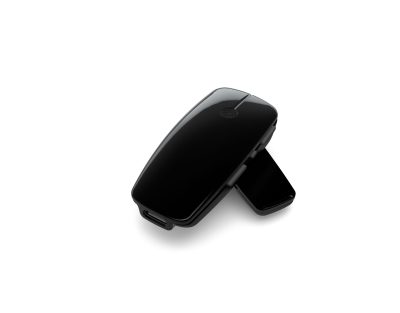
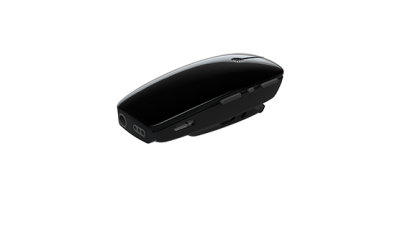
Maintenance for ReSound LiNX 3D ITE
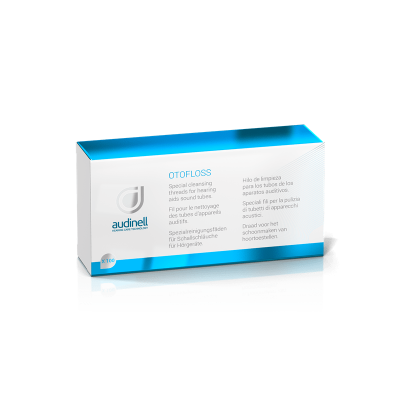
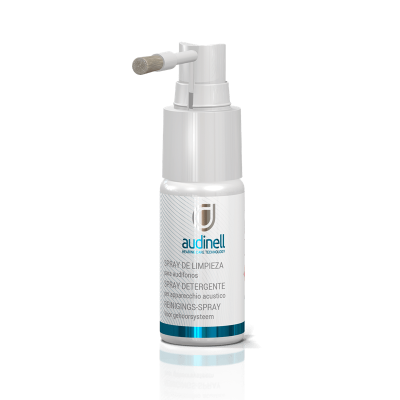
ReSound LiNX 3D ITE
ReSound LiNX 3D ITE accessories & compatibility guide | Japebo
If you are looking for ReSound LiNX 3D ITE accessories, the most important question is simple: which parts are actually compatible with your exact ITE model? “ITE” (in-the-ear) devices often use different components than RIC/BTE hearing aids, and compatibility can vary by shell style and receiver configuration. This guide helps you understand what typically fits ReSound LiNX 3D ITE ITE models, how to identify your correct parts, and how to buy with confidence.
What “ReSound LiNX 3D ITE” means for accessory compatibility
ReSound LiNX 3D is the product platform, while ITE describes the physical style (custom in-the-ear). With ITE hearing aids, many “standard” accessories (like universal domes) may not apply, because the earmould/shell is built to your ear and the sound outlet and filter system can be specific to that design.
In practice, ReSound LiNX 3D ITE users most often need:
Wax filters / wax guards (the most common consumable for ITE)
Cleaning tools (brush, loop, drying solutions)
Batteries (if your LiNX 3D ITE is non-rechargeable)
Retention/comfort parts (only for certain builds)
Which ReSound LiNX 3D ITE hearing aids use which accessories?
ReSound LiNX 3D ITE devices can be made in multiple in-ear variants (for example, different shell sizes and receiver placements). Because of that, there is not always a single “one-size-fits-all” accessory list for every LiNX 3D ITE.
The safest way to match the right accessory is to check one of these:
Your hearing aid user guide or the accessory card from your hearing care professional
The marking on your current wax filter system (shape/holder style often indicates the type)
Your current accessories: compare photos and product names to what you already use
Model details inside your order history (if you have bought filters from Japebo before)
If you are unsure, matching by the exact wax filter type is usually the quickest route to the correct product.
Wax filters for ReSound LiNX 3D ITE (what they do and why the type matters)
Wax filters protect the sound outlet (and receiver opening) from earwax and moisture. On ITE hearing aids, a blocked filter is one of the most common causes of:
Sudden volume drop
Muffled sound
Intermittent sound (“cuts out”)
Feedback/whistling because sound is not exiting correctly
Important: wax filters are not universal. ReSound-compatible ITE wax guards come in different systems and dimensions. Using the wrong type can lead to poor sealing, blocked audio, or the filter getting stuck.
How to choose the right wax filter for your ReSound LiNX 3D ITE:
Look at your current filter and how it is removed/inserted (tool style, tray style, click-in style).
Compare the shape and color of the filter and applicator to the product photos.
Check whether your ITE has a built-in filter holder (some custom shells do).
Domes and ear tips: usually not relevant for ITE (but here is when they can be)
Most ITE hearing aids do not use standard domes because the casing itself sits in the ear and is custom-fitted. Domes are far more common on RIC/BTE hearing aids.
You may still see ear-tip-like parts if your LiNX 3D configuration includes a specific sound outlet arrangement, but for most ReSound LiNX 3D ITE users, the primary replaceable parts are wax filters and cleaning accessories.
Batteries for ReSound LiNX 3D ITE
If your ReSound LiNX 3D ITE is battery-powered, choosing the correct size matters for both fit and run time. The battery size is usually printed on:
The battery door
Your user guide
Your current battery pack (color-coded by size)
If you share the battery size (e.g., 10, 312, 13), you can then buy the correct packs and plan replacement intervals that match your daily use.
Cleaning & maintenance accessories (high-impact upgrades)
For ReSound LiNX 3D ITE hearing aids, good maintenance prevents many “it sounds broken” issues. Helpful accessories include:
Cleaning brush and wax loop for the sound outlet and microphone openings
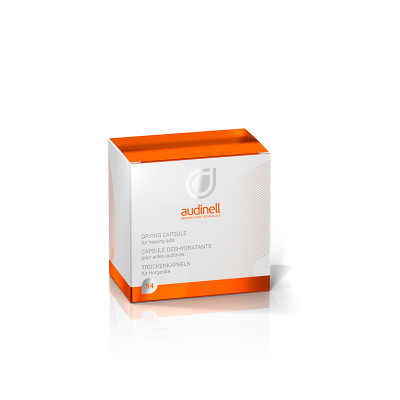
Drying solutions to reduce moisture-related problems
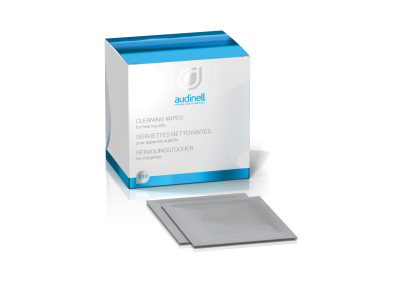
Cleaning wipes for the shell (especially if used daily in warm conditions)
Regular care plus timely wax filter changes usually restores sound quality and reduces repairs.
Common ReSound LiNX 3D ITE issues and the accessory that often fixes them
Muffled or weak sound: replace the wax filter first; then clean the sound outlet.
No sound: check battery orientation/charge; replace wax filter; inspect for visible blockage.
Whistling: check for blocked outlet/filter, improper insertion, or earwax buildup around the shell.
Sound cuts in/out: moisture is common—use drying support and keep filters fresh.
Where to buy ReSound LiNX 3D ITE accessories
Japebo makes it easy to reorder the correct ReSound LiNX 3D ITE consumables—especially wax filters and cleaning items—so you can maintain stable sound quality and protect your hearing aids long-term. If you are unsure which wax filter system you need, matching to your current filter (photo/shape) is the best starting point.
FAQ: ReSound LiNX 3D ITE accessories
Are ReSound LiNX 3D ITE wax filters universal?
No. Wax filters differ by type and fitting system. Always match the filter style used in your device (or used previously).
Do ReSound LiNX 3D ITE hearing aids use domes?
Usually not. Domes are primarily for RIC/BTE devices. ITE models typically rely on a custom shell and use wax filters as the key consumable.
How often should I change the wax filter?
It depends on wax production and daily wear, but a good rule is to replace it when sound becomes muffled or at the interval recommended by your hearing care professional.
What is the fastest way to identify the right accessory?
Check what you are currently using (especially wax filters) and match by shape and applicator style. If you have the packaging, use the exact product name/number.