
Waxguards for Oticon Nera2 miniRITE
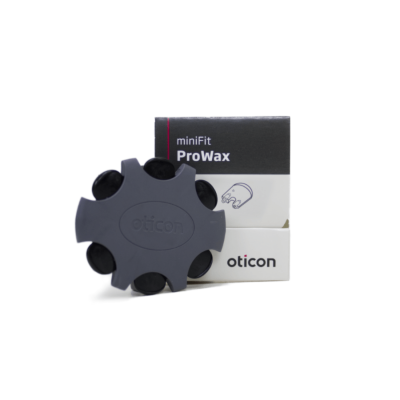
Domes for Oticon Nera2 miniRITE
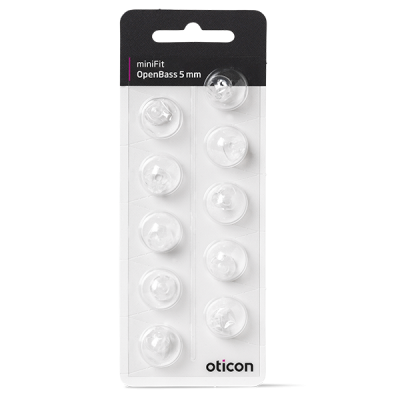
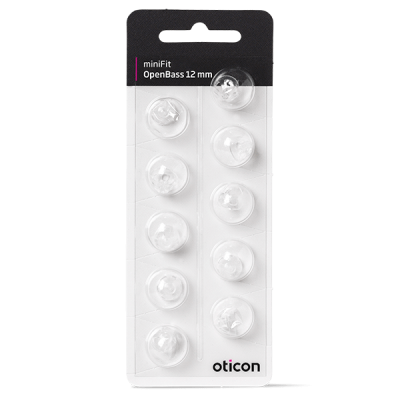
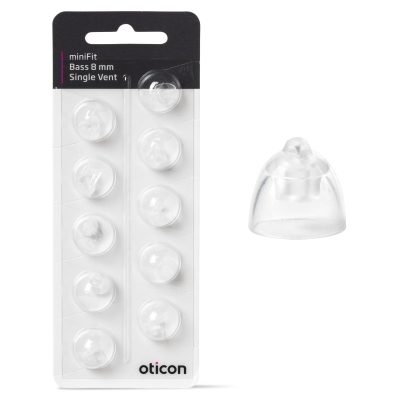
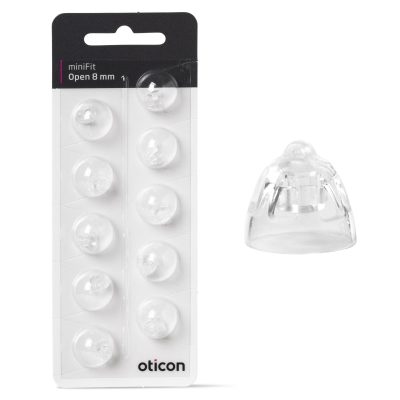
Ear Grips for Oticon Nera2 miniRITE
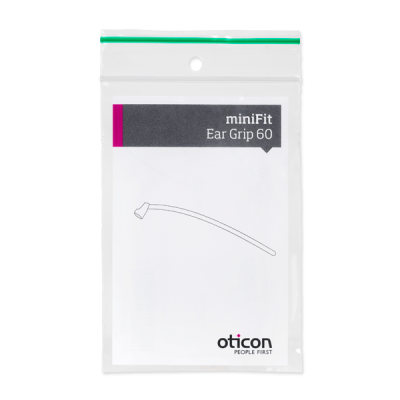
Maintenance for Oticon Nera2 miniRITE
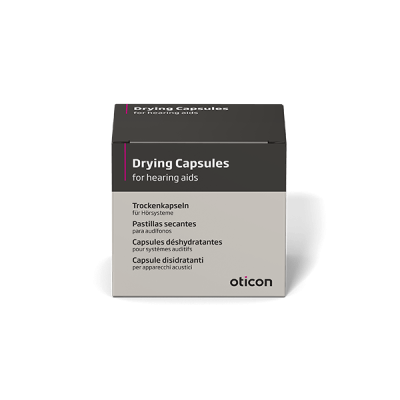

Oticon Nera2 miniRITE
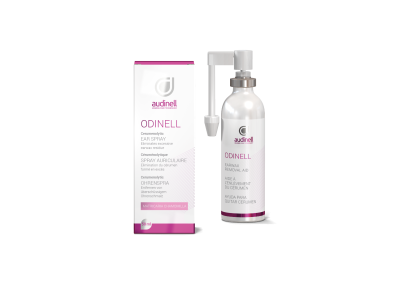
Oticon Nera2 miniRITE Accessories & Spare Parts Compatibility Guide (Domes, Wax Filters, Receivers & More)
If you’re looking for Oticon Nera2 miniRITE accessories and spare parts, this guide helps you identify what fits your hearing aids and how to choose the right items. The Oticon Nera2 miniRITE uses consumable parts—such as domes and wax filters—that need regular replacement to keep comfort high and sound quality clear. You’ll also find options like receivers, ear grips, and size 312 batteries.
Most-used Oticon Nera2 miniRITE spare parts
These are the parts most Oticon Nera2 miniRITE users replace over time. If your sound is weaker than usual, the fit feels different, or the device cuts in and out, one of these components is often the cause.
Domes – sit in the ear canal and affect both comfort and sound (including bass/feedback). See Oticon domes.
Wax filters / wax guards – protect the receiver from earwax and moisture and are a common fix for “no sound” or muffled sound. See Oticon wax filters.
Receivers – the speaker unit that delivers sound into the ear; can be replaced if damaged or if you need a different power level (as recommended by your hearing care professional).
Ear grips (sports locks) – improve stability and retention, especially if the hearing aid feels loose or you’re active.
Batteries (size 312) – Oticon Nera2 miniRITE typically uses Oticon size 312 batteries.
How compatibility works for Oticon Nera2 miniRITE
Oticon miniRITE hearing aids are usually compatible based on the style of the hearing aid (miniRITE) and the connection system used for domes, filters, and receivers. The safest way to choose correctly is to match what you already use today (same dome style/size and the same wax filter type), or to check your current packaging if you still have it.
If you’re unsure between two options, start with the parts you can directly compare at home—your current dome and wax filter—since these are the most model-specific items for day-to-day maintenance.
Choosing the right Oticon domes for Nera2 miniRITE
The right dome depends on your comfort needs, how much sound you want to let in naturally, and whether you experience feedback (whistling). When replacing domes, keep both type and size consistent unless your hearing care professional recommends a change.
Open domes – often chosen for a more airy feeling and natural sound, typically for milder losses.
Closed domes – provide a bit more sealing for more low-frequency amplification and can help reduce feedback.
Power domes – provide the strongest seal and may be used when more amplification is needed.
Browse compatible options here: Oticon domes.
Choosing the correct Oticon wax filters (wax guards)
Wax filters are a small part with a big impact: a clogged filter is one of the most common reasons for reduced or absent sound. Replace the wax filter if sound becomes dull, weak, or inconsistent—especially if a fresh battery doesn’t solve the issue.
Because Oticon has used multiple wax guard systems across models and receiver types, it’s important to match the exact filter style you currently use. Start here: Oticon wax filters.
Receivers and retention: when to replace and what to consider
Oticon Nera2 miniRITE receivers
If the hearing aid works intermittently, sounds distorted, or one side becomes significantly quieter (after changing the wax filter), the receiver may be worn or damaged. Receivers can also differ by power level. If you’re considering changing receiver strength, do so based on professional guidance to ensure the settings match your hearing needs.
Ear grips (sports locks)
If your Oticon Nera2 miniRITE feels unstable, an ear grip can improve how securely it sits—especially during sports, walking, or long wearing days. Ear grips are also helpful if your dome size is correct but the device still shifts position.
Batteries for Oticon Nera2 miniRITE (size 312)
The Oticon Nera2 miniRITE typically uses size 312 hearing aid batteries. If battery life suddenly drops, check for wax blockage, moisture, or a poorly closing battery door before assuming the hearing aid has a fault.
Find the right batteries here: Oticon 312 batteries.
Connectivity and accessories for Oticon Nera2 miniRITE
Oticon Nera2 miniRITE supports accessories that make it easier to adjust settings and connect to everyday audio sources. Depending on your setup, these can improve convenience at home and on the go:
Oticon Remote Control – discreet volume and program changes.
Oticon TV Adapter – stream TV sound to your hearing aids.
Oticon ConnectClip – hands-free calls and audio streaming (when supported by your configuration).
For the full overview of Oticon parts and accessories, visit the main hub: Oticon accessories and spare parts.
Common Oticon Nera2 miniRITE issues (and the most likely fix)
No sound / very weak sound: replace the wax filter, then check the battery (size 312) and dome.
Muffled sound: wax filter is often clogged; replace it. Also check for moisture.
Whistling (feedback): ensure the dome is pushed on fully and consider whether a closed/power dome is needed (only change dome type if appropriate for your fitting).
Poor retention: try an ear grip or confirm dome size is correct.
Intermittent sound: after replacing wax filter and battery, a receiver issue is a common cause.
About the Oticon Nera2 miniRITE model
The Oticon Nera2 miniRITE was introduced as part of the Nera 2 family (launched in 2013) and is known for Oticon’s BrainHearing approach to more natural sound processing. The Nera 2 lineup also includes related styles such as Oticon Nera2 BTE, and some variants add features like tinnitus support.
Buy Oticon Nera2 miniRITE parts with confidence
If you want the simplest route to a correct purchase: identify your current dome and wax filter type first, then add batteries and any extras like ear grips. If you need help narrowing down compatibility, start from the Oticon hub for guided navigation: Oticon accessories and spare parts.
FAQ: Oticon Nera2 miniRITE accessories and spare parts
Which batteries does the Oticon Nera2 miniRITE use?
Oticon Nera2 miniRITE typically uses size 312 batteries. Shop here: Oticon 312 batteries.
How often should I change domes and wax filters?
It depends on earwax, wear, and comfort, but as a rule: change domes when they feel loose, stiff, or discolored, and change wax filters whenever sound becomes weak or muffled (or as part of regular maintenance).
My hearing aid is quiet even with a new battery—what should I do?
Replace the wax filter first. If the problem remains, check the dome for blockage and consider whether the receiver may need replacement.
Are Nera2 miniRITE accessories the same as other Oticon models?
Some accessories overlap, but consumables like domes, wax filters, and receivers can vary by style and connection system. Always match your current part type or use the Oticon hub to navigate to the correct items: Oticon accessories and spare parts.
Source: Original product announcement reference: press release.